What is a design system? Why it matters for your business website.

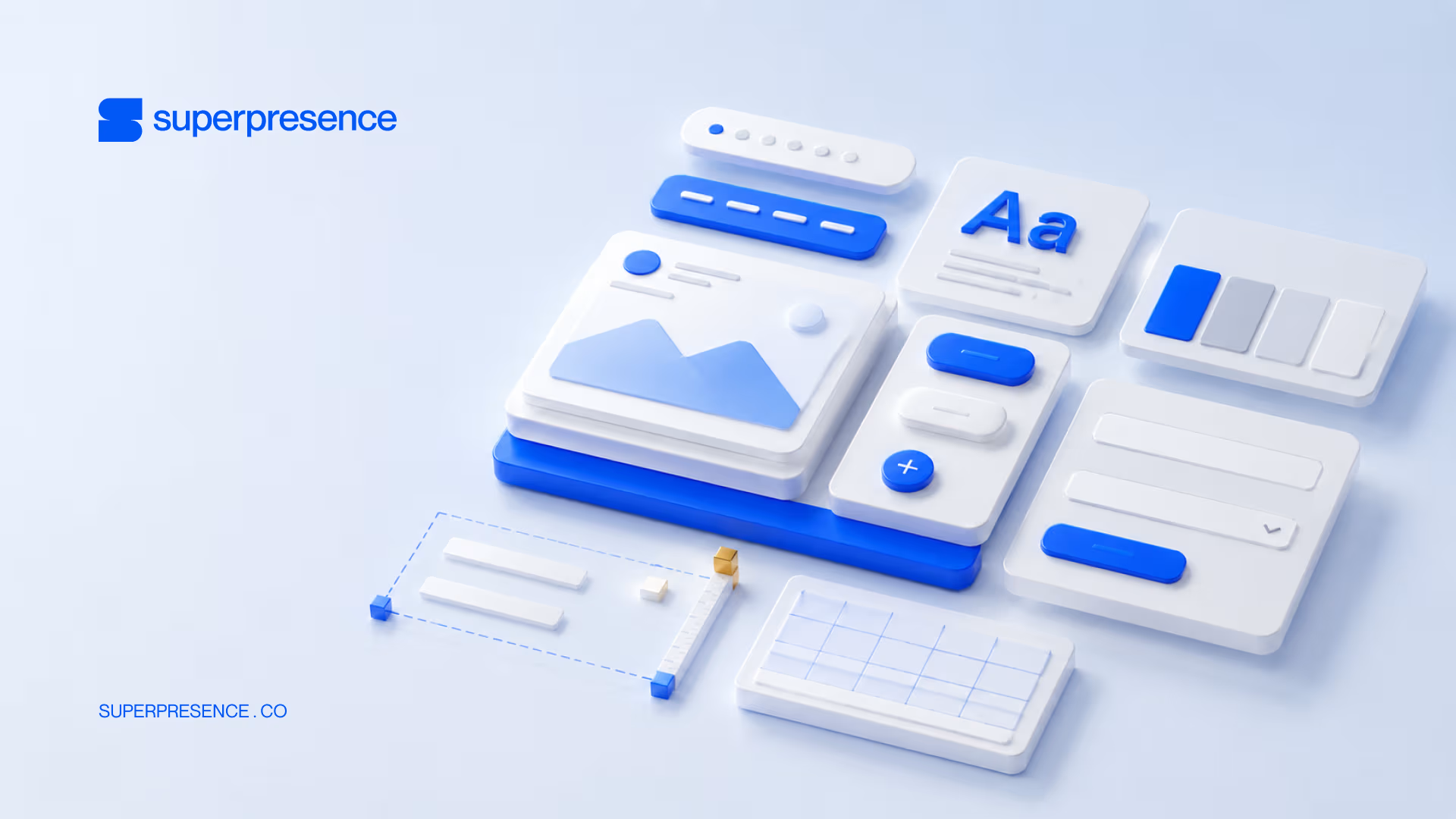
You launch your website, and it's looking sharp. Then you add a landing page, bring in a freelancer, and the buttons, colours, and spacing slowly pull apart until the site looks like two different companies built it.
A design system is how you stop that from happening. By the end of this article, you'll know what one actually is, what's inside it, and whether a business your size needs one.
What is a design system?
A design system is the single source of truth for how your brand looks and behaves online.
It's two things at once: a set of reusable building blocks (buttons, colours, type, spacing, whole sections) and the rules for how and when to use them. That combination is what keeps every page consistent no matter who builds it.
The rules are the half people forget: which button goes where, how much space sits around it, when to reach for the bold heading style. Most non-designers describe the goal the same way: they just want the brand to look the same everywhere.
For example, a web design agency worth hiring should catch this on day one and not after the project has started.
The building blocks inside a design system
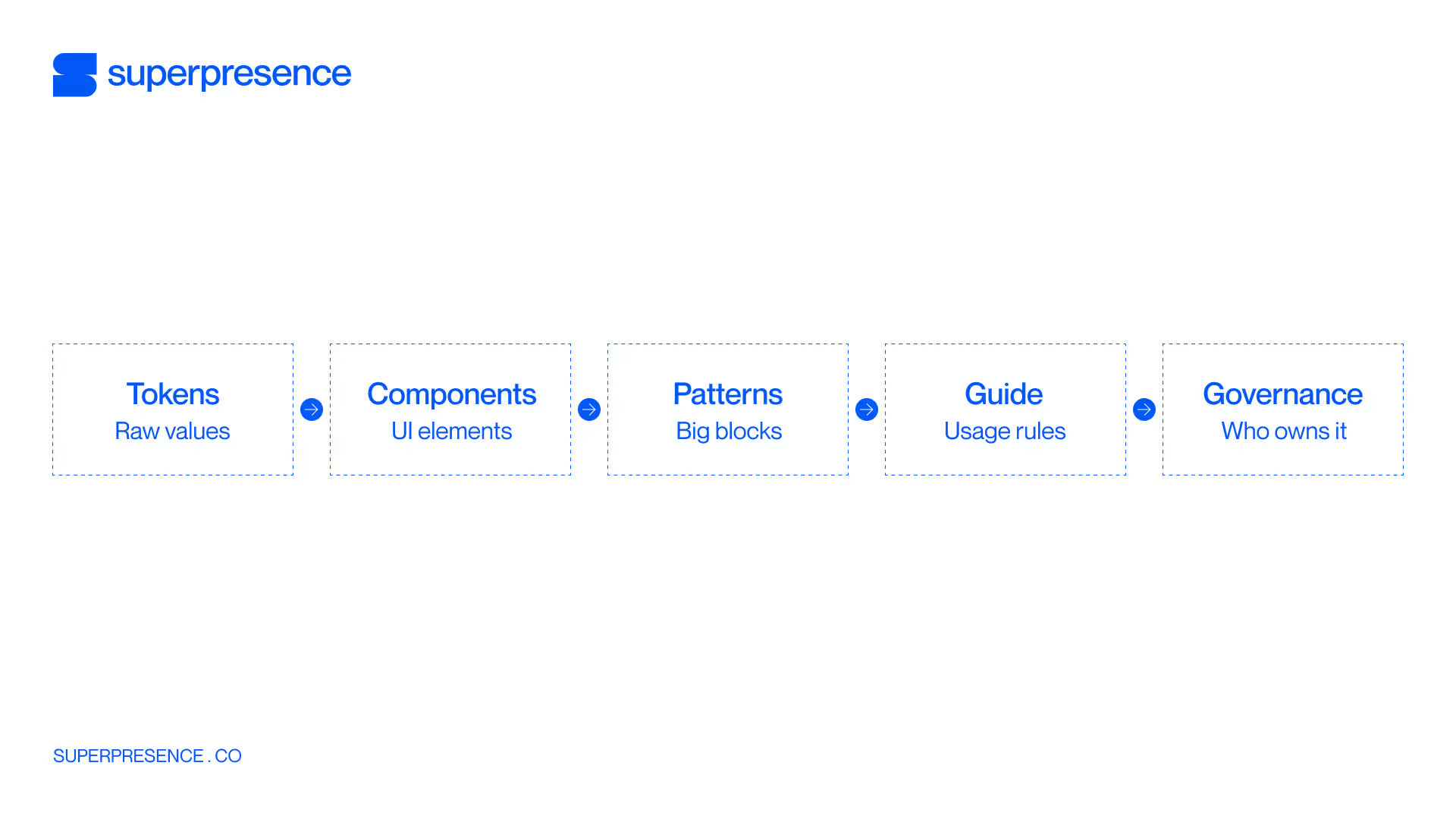
A design system has five layers, from smallest to largest: design tokens, components, patterns, a style guide, and the documentation and governance that hold it together.
Foundations and design tokens
Foundations are the raw visual decisions: your colour palette, your typography, your spacing scale. Design tokens are those decisions stored as named, reusable values. One token holds your brand blue, another your spacing step, so changing a colour once updates it everywhere.
Component library
A component is a built element you reuse: a button, a form field, a card, the navigation bar. The component library is the shelf they sit on, each one styled and behaving the same way wherever it appears.
Pattern library
A pattern consists of components that go into a larger section: a pricing block, a testimonial row, a hero. Brad Frost's Atomic Design (2013) is the model most teams borrow here: small parts combine into bigger ones, and bigger ones into whole pages.
Style guide and brand rules
The style guide documents the rules: when to use each component, how headings step down, what tone the copy takes. It turns a pile of parts into something a new freelancer can assemble correctly on day one.
Documentation and governance
Documentation is the how-to. Governance is the ownership: who approves a new component, who keeps the library matching the live site, who retires the old version. Without it, the library stops matching reality and people go back to building pages by hand.
How a design system is different
Brand guidelines, style guides, and UI kits get used interchangeably with a design system, but they're not the same thing.
Brand guidelines govern identity: logo, colours, tone of voice. A style guide documents the rules. A UI kit is a set of reusable design elements. A design system is all of that plus coded, governed components, which makes it the only one built to run your live site
Why a design system matters for your website
For a business website, a design system buys three things: consistency across every page, speed when your team ships new ones, and the credibility of looking coherent.
Figma's data science team found that designers with access to a design system complete tasks 34% faster than those without.
Without a design system, your site can look less put-together than the business behind it. Especially as pages pile up and more freelancers touch the site.
If your own pages just came to mind, that's worth checking properly. Request a website review and we'll walk your site page by page.
That said, not every site needs the full thing to fix it, and that’s where we’ll go over in the next part.
Do you actually need a design system?
If your site runs under ~10–15 pages, changes rarely, and gets built by a stable team, a disciplined style guide plus a basic UI kit usually does the job. You get most of the value without the overhead.
A full system starts paying off when page volume climbs, campaigns get frequent, or several freelancers and agencies touch the site.
Two objections come up every time: that this is enterprise-only, and that it's jargon agencies use to pad a quote. Both are fair, and both stop being true past a certain size.
Run yourself through these signals:
- You're running recurring campaigns
- More than one freelancer or agency touches the site
- New pages regularly come out off-brand
- You're planning to grow past ~15 pages
- Fixing consistency eats real time every month
- You need marketers to ship pages without waiting on a developer
Recognise four or more, and a system will likely pay off.
Design system examples
The best-known design systems are public, and you can click through every one:
- Carbon (IBM): Enterprise governance, with strict rules for how components get used and updated
- Polaris (Shopify): Commerce-focused patterns built for merchants running storefronts
- Atlassian Design System: Documentation depth, with clear guidance on when and why to use each piece
- Airbnb: Brand expression, showing a system can carry real brand personality
- Material Design (Google): Consistency across web, Android, and iOS from one shared language
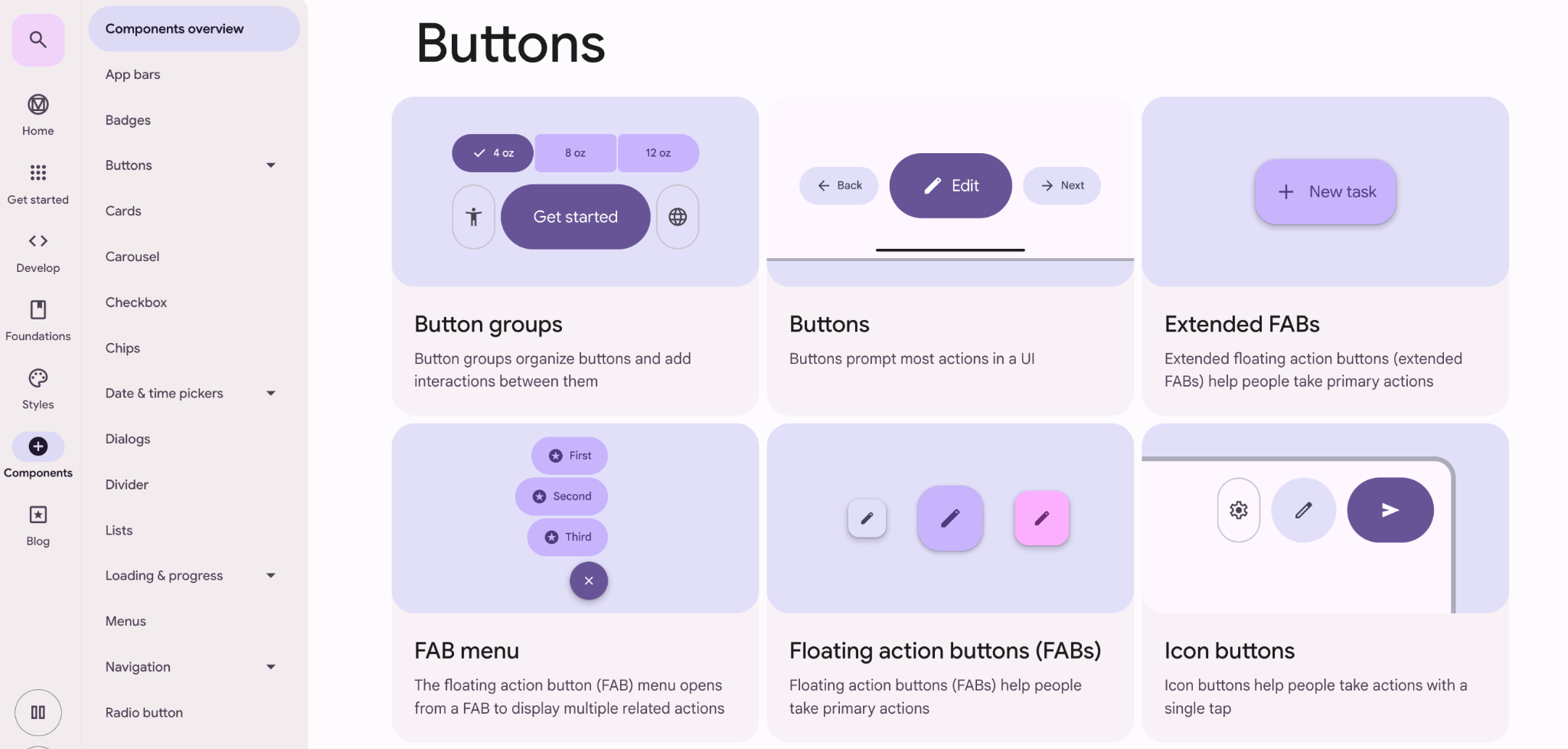
One caveat before you copy any of them: these are product systems, built for dense apps full of controls. Copy how they're built, not how they look. Your marketing site has to persuade people, and plain grey buttons won't do that.
Why a system only pays off once it's coded in
A design system that lives only in Figma changes nothing on your live site. The value shows up when the components are built into your CMS through Webflow development or your front-end. Then a marketer can drop in an on-brand section without a developer ticket.
Judge a marketing-site system by one thing: how fast someone non-technical can ship a consistent new page.
The common way this goes wrong: a company pays for a gorgeous Figma library, and it sits there. The live site keeps drifting, marketers still file dev tickets, and the file everyone was proud of never touches a real page.
Bridging design to code is the part that matters. Figma variables carry your tokens, and Webflow components turn them into blocks a non-developer can place. Skip that step and you own a design file, not a design system.
Final thoughts
A design system earns its place on a business site for a practical reason: it's the single source of truth that keeps your pages coherent as the site grows.
Whether you need the full thing or a lighter style guide comes down to how fast your site changes and how many hands touch it. And the version that actually helps you is the one coded into your CMS.
Superpresence designs the system and builds it straight into your site, so pages stay on-brand while you grow instead of drifting apart. If you want to see where your site stands today, request a website review and we'll walk you through how a design system will help.
FAQs
What is a design system in simple terms?
It's the single source of truth for how your brand looks and behaves online: the reusable building blocks (buttons, colours, type, sections) plus the rules for using them. Together they keep every page consistent no matter who builds it.
What is a design system example?
Google's Material Design, IBM's Carbon, and Shopify's Polaris are well-known public examples. Each publishes tokens, components, and usage rules you can browse, so you can see the anatomy before building your own.
What is a design system in Figma?
In Figma it usually means a shared library of styles, components, and variables (design tokens) your team reuses. But until those components are coded into your live site, the site itself won't get any more consistent.
Do I need a design system for a small business website?
Often not yet. Under ~10–15 pages with a stable team, a solid style guide plus a basic UI kit usually covers you. A full system pays off once campaigns get frequent or several people build pages.
![Portrait of a Kevin D Chen [Dark]](https://cdn.prod.website-files.com/6963b46b73d13c416619d604/696770db31b454394fd4709a_43e4f0a4b187c1f51dd5024dd9980a60_kevin-photo.avif)