Webflow migration
Move to Webflow without losing what you've built
Your pages and blog posts move across intact, and 301 redirects carry your old URLs and search rankings to their new pages. Every page is checked against the original before launch.

When to migrate to Webflow
Your website is stuck on a platform you've outgrown
Every edit goes through a developer
A text change becomes a request, a wait and an invoice, so most things never get changed.
One missed update away from a hack
Plugins keep the site running, and one outdated plugin is how sites like yours get hacked.
A renewal is coming up
The old hosting contract is due, and renewing means more of the same.
Platforms we migrate to Webflow
Where most of our migrations start
WordPress
Wix
Squarespace
HubSpot CMS
Framer
Custom-coded sites

Webflow migration or rebuild
Same site, new platform. We say which it is up front
A migration keeps your design and content and moves them onto Webflow. If you want it to look or read differently, that is a rebuild, and we will tell you before you commit.
Redirects you can check
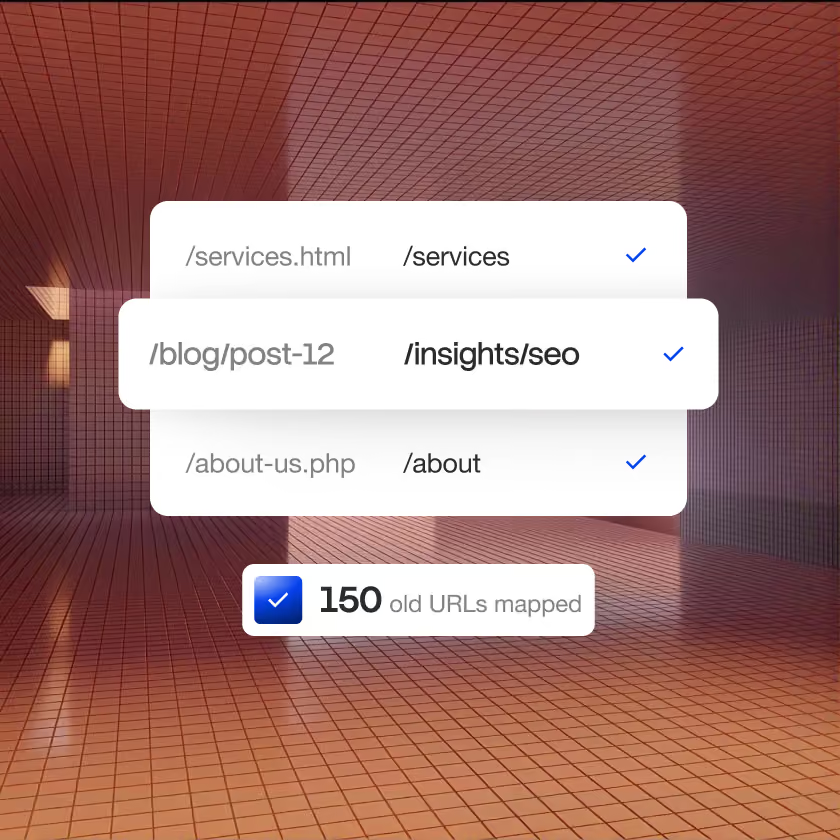
Every old URL, mapped and checked
We do not just promise your rankings survive. You get the redirect ledger: every old URL, its new page and its status, before anything goes live.
Nothing lost in the move
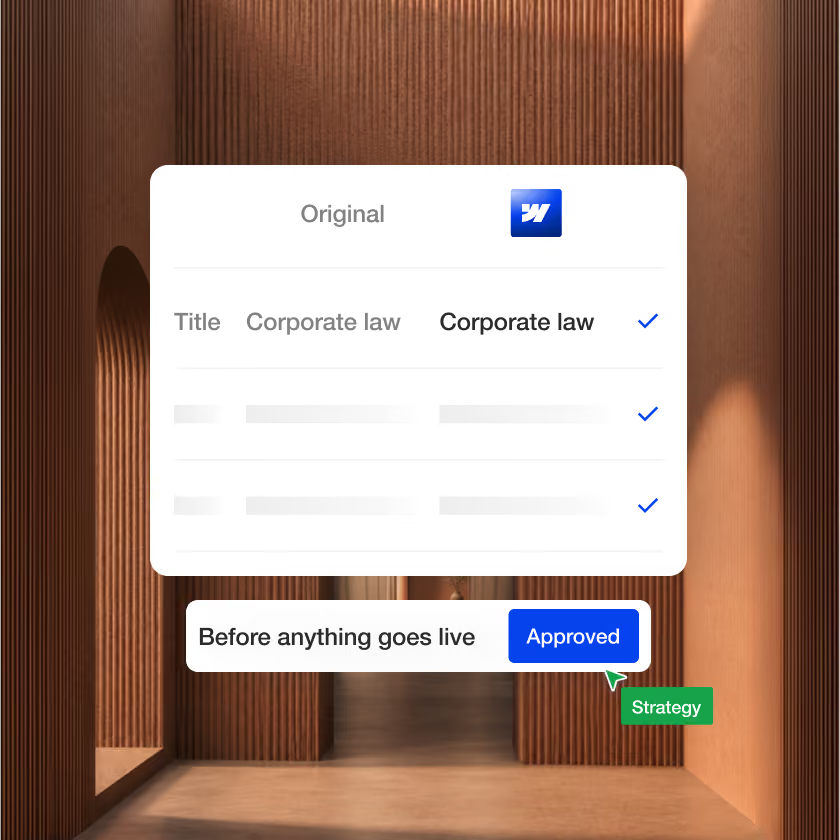
Checked page by page against the original
Each page and post is compared field by field with the original, and you sign it off before switch-over.
Our Webflow migration services
A migration, step by step
Technical work, not a redesign: the same site, moved properly.
Audit
Move
Redirect
Verify
What a Webflow migration keeps
Everything your current site has earned
Checked page by page against the original before the switch.
Search
- Every old URL mapped to a new one
- 301 redirects tested on the live site
- Page titles and descriptions carried over
- Sitemap resubmitted to Google
Content
- Pages rebuilt to match the original
- Blog posts moved in bulk, then checked
- Images, files and alt text
- Authors, dates and categories
Function
- Every form, sending to the same place
- Analytics and tracking codes
- Connected tools and embeds
- Internal links pointing to new pages
After launch
- Rankings and traffic watched for 30 days
- Broken links fixed as they appear
- Search Console errors cleared
- A short report when the window closes

Migration options
Move it as it is, or make it better
Two different jobs. We will tell you which one you need.

Move the site as it is
The same pages, design and content, moved onto Webflow so your team can run it.


Make it better on the way
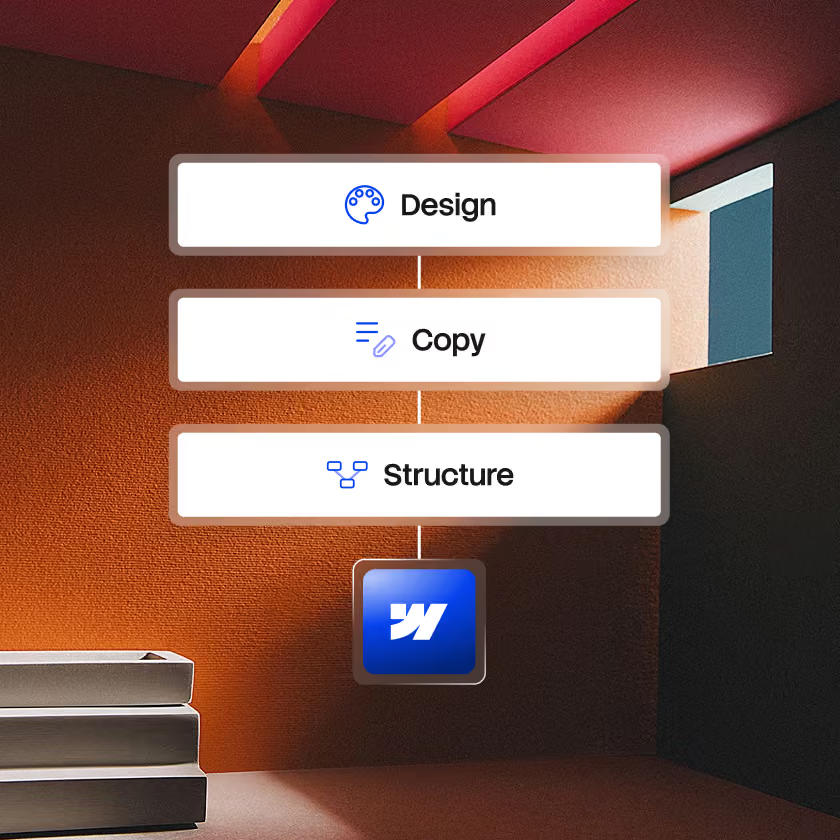
A new strategy, copy and design, built on Webflow. Scoped as a Webflow build.

Our Webflow migration process
Five steps, each signed off before the next
Kick-off and audit
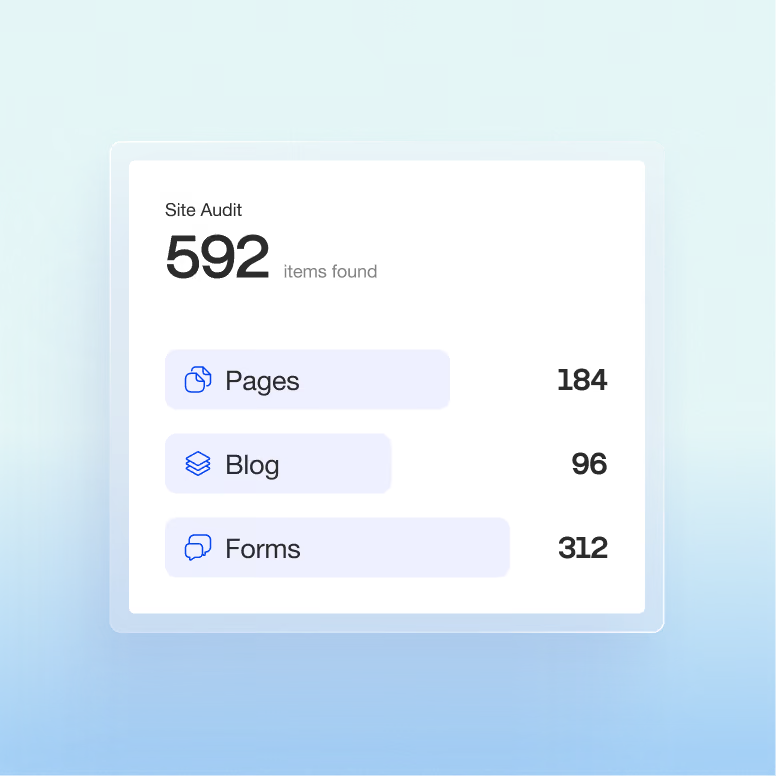
A strategy call, then a full audit of the current site: every page, URL and post.
Webflow rebuild
Your existing design is rebuilt in Webflow to match, with the CMS ready to hold your content.
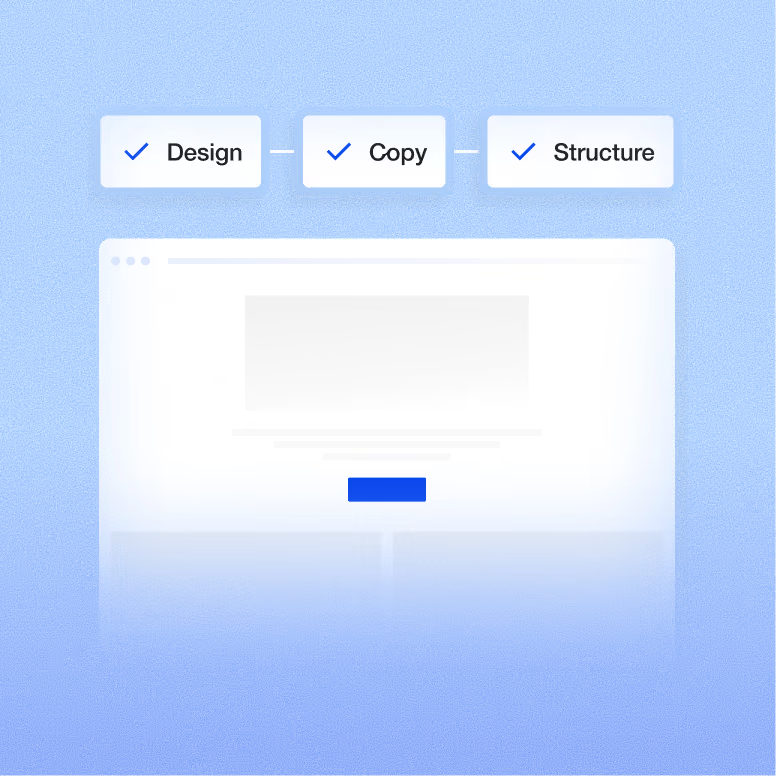
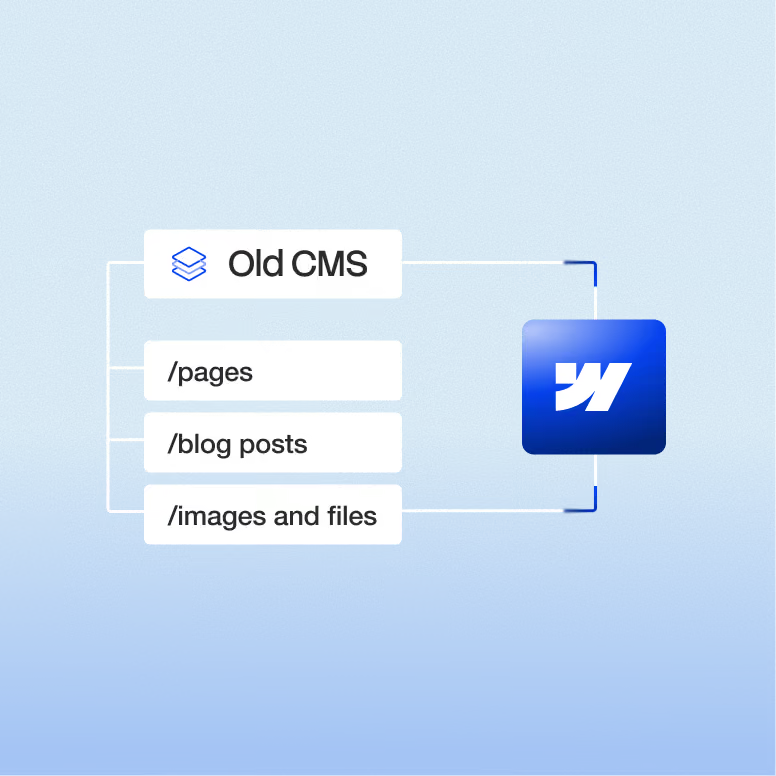
Content import
Pages move across, and blog posts move in bulk with their images.
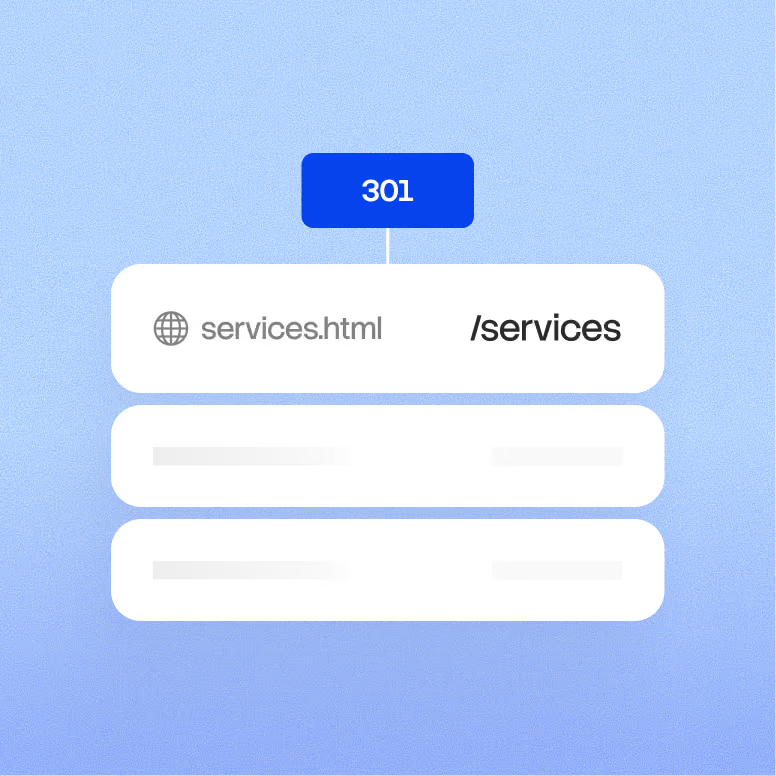
Redirects
Every old URL gets a 301 to its new page, so links and rankings carry over.
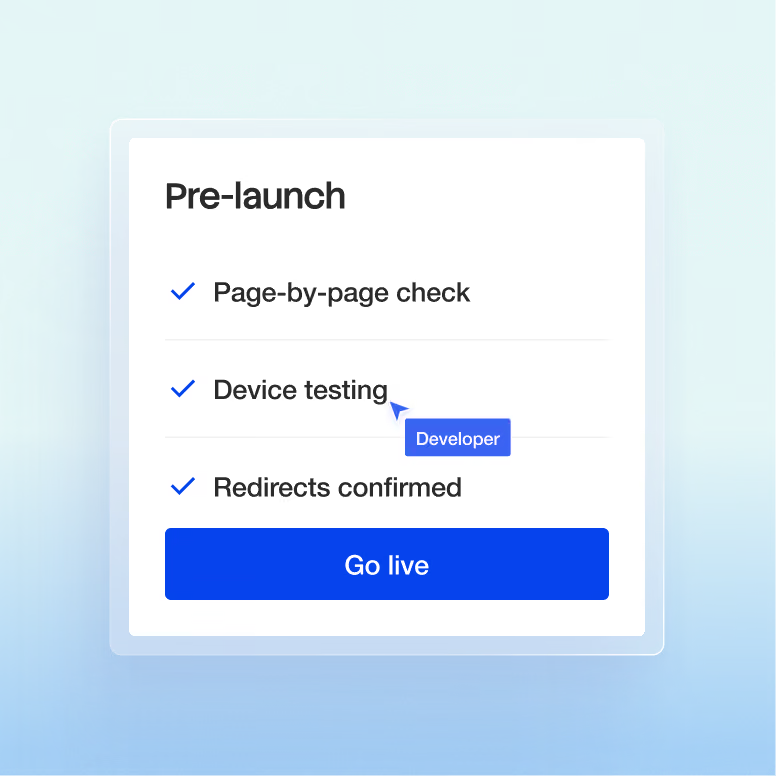
Check and launch
Content is checked against the original, tested, and launched on your schedule.
"We went from a cookie-cutter template to a custom website that properly reflects the brand… Kevin is super easy to work with, always one message away."


Why Superpresence
Why companies trust us with the move
QA on every build
Built to convert, engineered for search
The whole senior team, one roof
Built in Asia, written for buyers abroad
Depth over volume
Strategy before pixels
Superpresence vs other options
The three options in front of you
Each option suits a different need. Here's how they compare for a firm like yours.
Our view on migrations
A move that keeps what you have earned
30 days
We watch rankings, traffic and broken links for 30 days after the switch, and fix what comes up.

Every URL
Each old address is mapped to its new home and tested on the live site.

10 min
What is working on your current site, what is losing buyers and what we would change first.

Webflow migration FAQs
Before you ask
Will we lose our Google rankings?
Not if the redirects are done properly, and with Superpresence they are. Every old URL gets a 301 redirect to its new page, titles, descriptions and alt text carry over, and the sitemap is resubmitted to Google. The same redirects and carried-over structure help AI search tools such as ChatGPT and Google's AI Overviews keep finding your pages.
Some movement for a few weeks is normal after any platform change while Google re-crawls the site. We watch rankings, traffic and Search Console after the switch and fix what comes up.
What's the difference between a migration and a redesign?
A migration moves your current site onto Webflow as it is: same design, same content, same URLs wherever possible. A redesign changes how the site looks or reads, with new strategy, copy and design, and we scope it as a full Webflow build.
We tell you which one you're buying before you commit. If the old site is part of the problem, doing both in one project means you don't pay to rebuild the same pages twice.
Will all our blog posts and images come across?
Yes. Posts are imported in bulk into the Webflow CMS with their images, authors, dates and categories, then the post count is reconciled against the original.
Leftover formatting from the old platform, such as WordPress shortcodes or page-builder blocks, is cleaned up in the import so posts render properly. Very large archives may need a higher Webflow plan, which we check in the audit.
Is there any downtime?
No planned downtime. The new site is built and checked on a staging address while your current site stays live, and the switch is a DNS change scheduled at a quiet hour for your market.
For a few hours afterwards, some visitors may still see the old site while the change spreads. Both versions work in that window.
Why choose Superpresence to migrate our website to Webflow?
Superpresence migrates sites to Webflow for companies in Hong Kong, Singapore, Thailand and Australia, with a redirect map you review before launch and a page-by-page content check you sign off. Our team has collectively launched 48+ websites, and every one is QA-tested across devices and browsers before it goes live.
The same senior team that migrates the site can also maintain it afterwards, so nobody has to relearn how it was built. And if your job is really a rebuild, we say so before you commit.
How much does a Webflow migration cost?
It depends on what the move involves, so we scope it before we price it. A straight content move is one job. Most migrations we see also need the site redesigned and rebuilt, because the old design is part of what isn't working, and that takes more time.
Page count, blog volume, the number of URLs to redirect, integrations and how much of the site needs redesigning all shape the scope. Tell us what you're on today, and after a call you'll get a fixed price in a proposal within a week.
A migration isn't worth it for every site. If yours is a few pages nobody updates, staying put or moving it yourself onto a Webflow template may be the smarter spend, and we'll say so.
Is Webflow better than WordPress?
For a marketing site your team edits every week, usually yes: Webflow manages hosting, security and updates, so there are no plugins to patch, and your team can publish without a developer. WordPress is the better fit if your team depends on a specific WordPress plugin or needs data stored on your own servers.
Our guide to WordPress to Webflow migration covers the move step by step.